For fellows and attendings
Find the hematology and oncology podcast episode you want, and pick up where you stopped
A library of hematology and oncology podcast episodes, filed by cancer type and topic and refreshed from each publisher's feed through the day. Ask for what you want to hear in plain language, listen in the built-in player, and come back to your place and your notes.
Podcast Radio Station
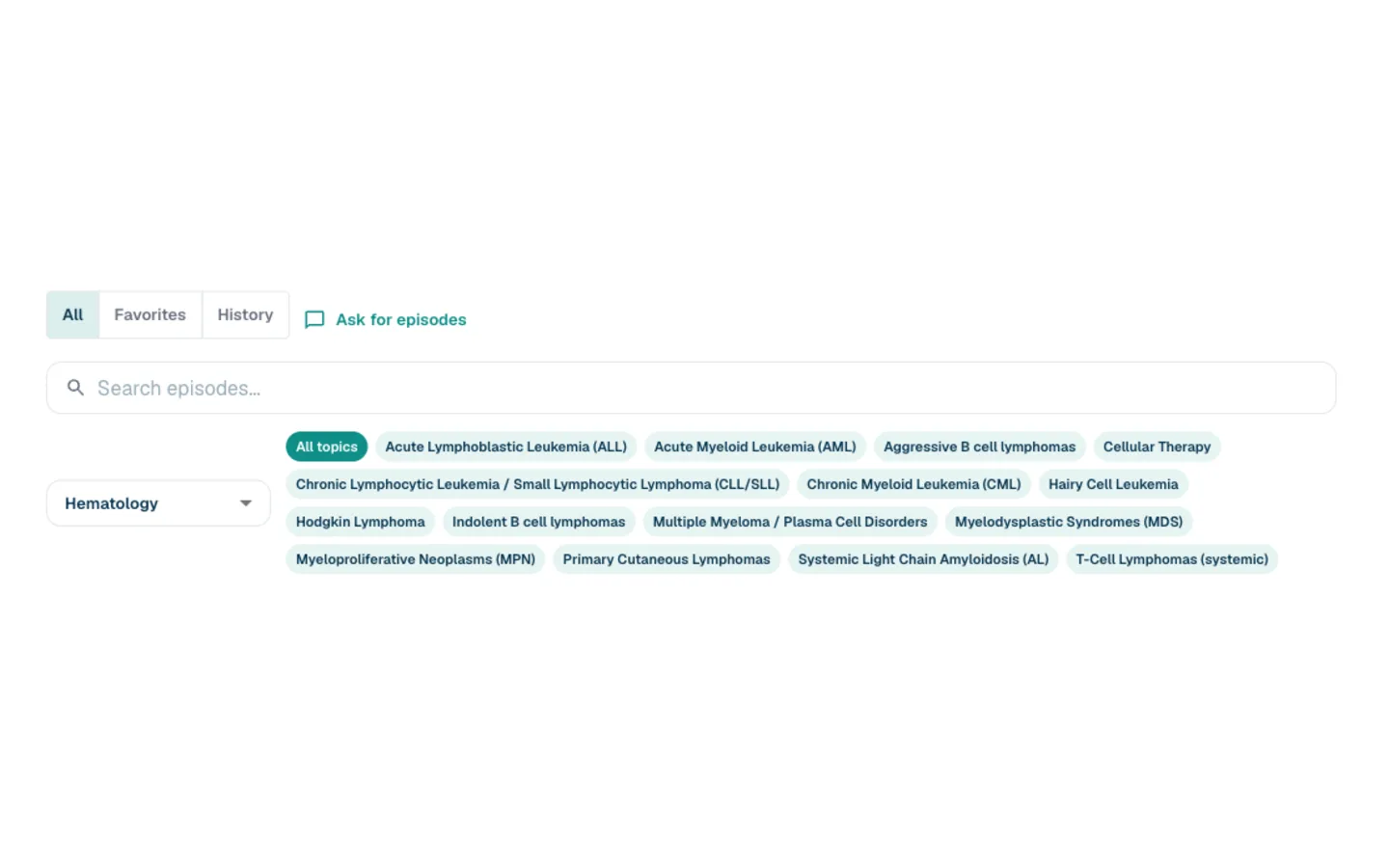
A library sorted by cancer type and topic
The library is made of episodes from the hematology and oncology podcasts clinicians already follow. They are pulled from each publisher's own feed through the day and filed under the cancer type or topic they cover, so you can pick myeloma, lung or lymphoma and see what is new there, or search by episode title or show name. Every episode keeps its link back to the show it came from.
Podcast Radio Station
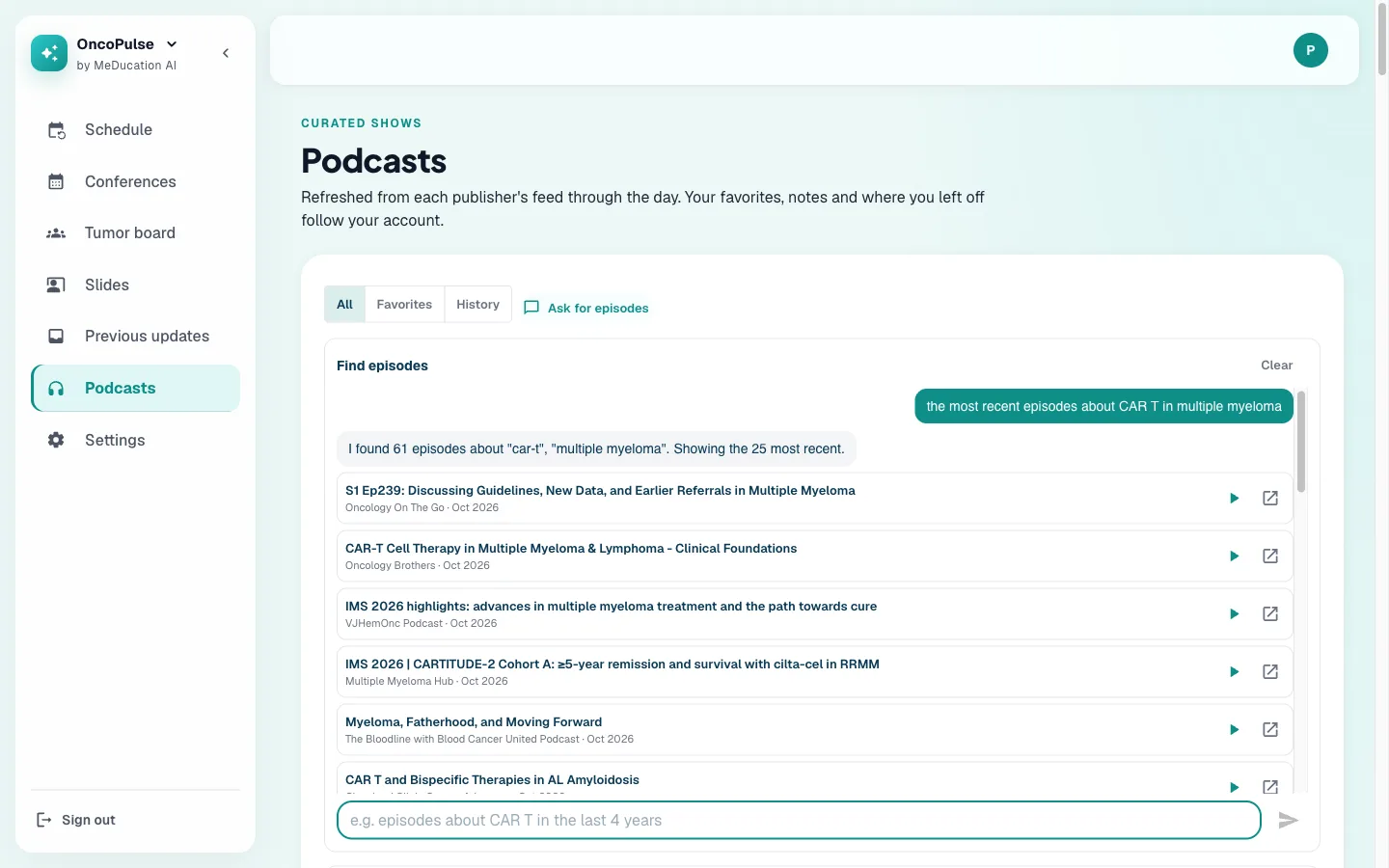
Ask for episodes in plain language
Type what you want to hear: "the most recent episodes about endometrial cancer", "CAR T in myeloma since 2025", or "the 3 latest on lung cancer immunotherapy". The chat works out the topic, the dates and whether you want the newest first, then searches episode titles, show notes and topic tags, and also finds episodes that cover the subject in different words. It answers with episodes from the library and their links. It says so when your question reaches back further than the library does, and how many matches came from meaning rather than the exact words, so you can see what it did. Follow up with "only this year" to narrow the last question. It searches the written descriptions, not the audio.
Podcast Radio Station
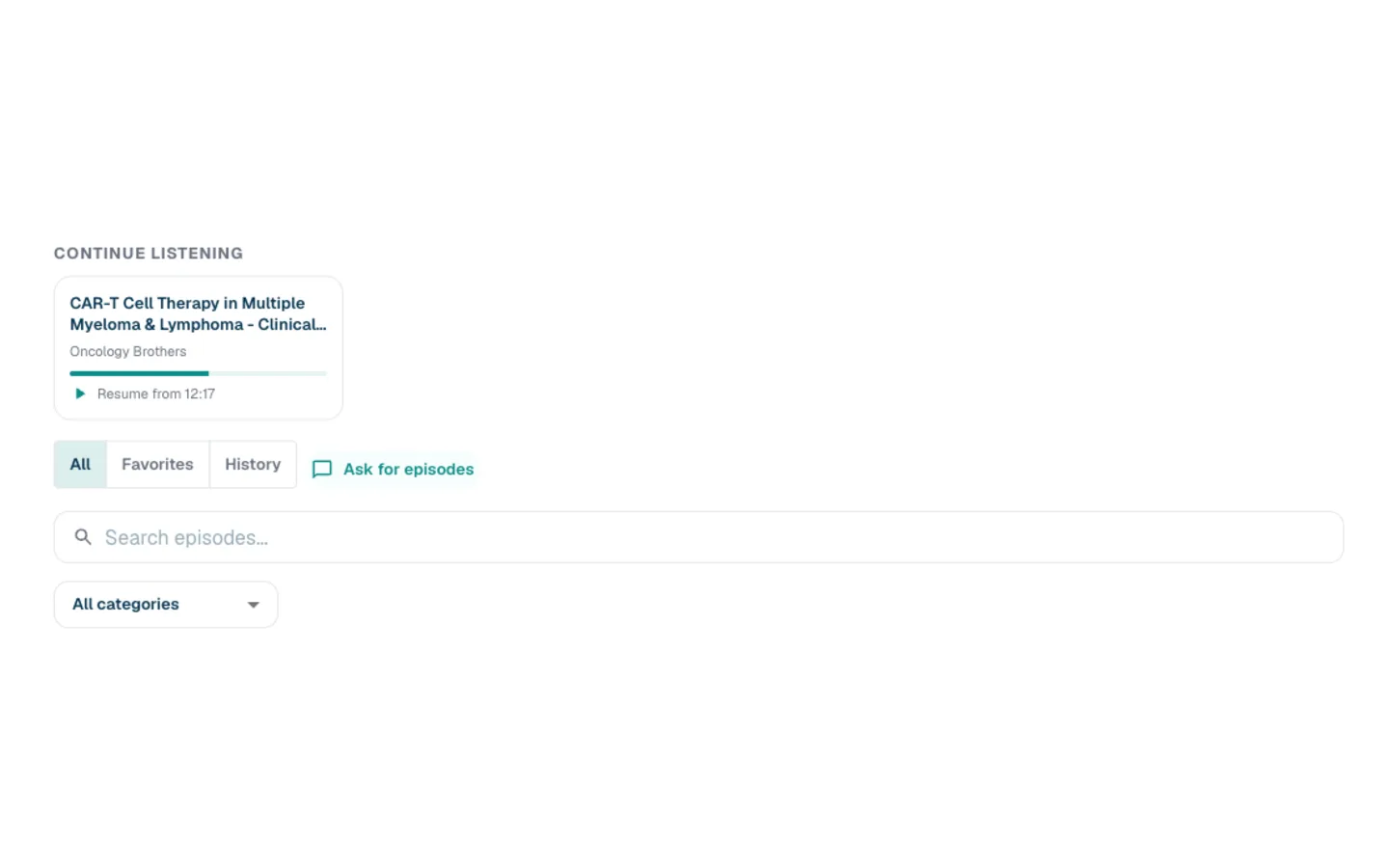
Pick up where you left off
Stop partway through an episode and it appears under Continue listening, with a progress bar and the minute you reached. The History tab lists everything you have played, newest first, finished or not, and a finished episode is marked Played.
Podcast Radio Station
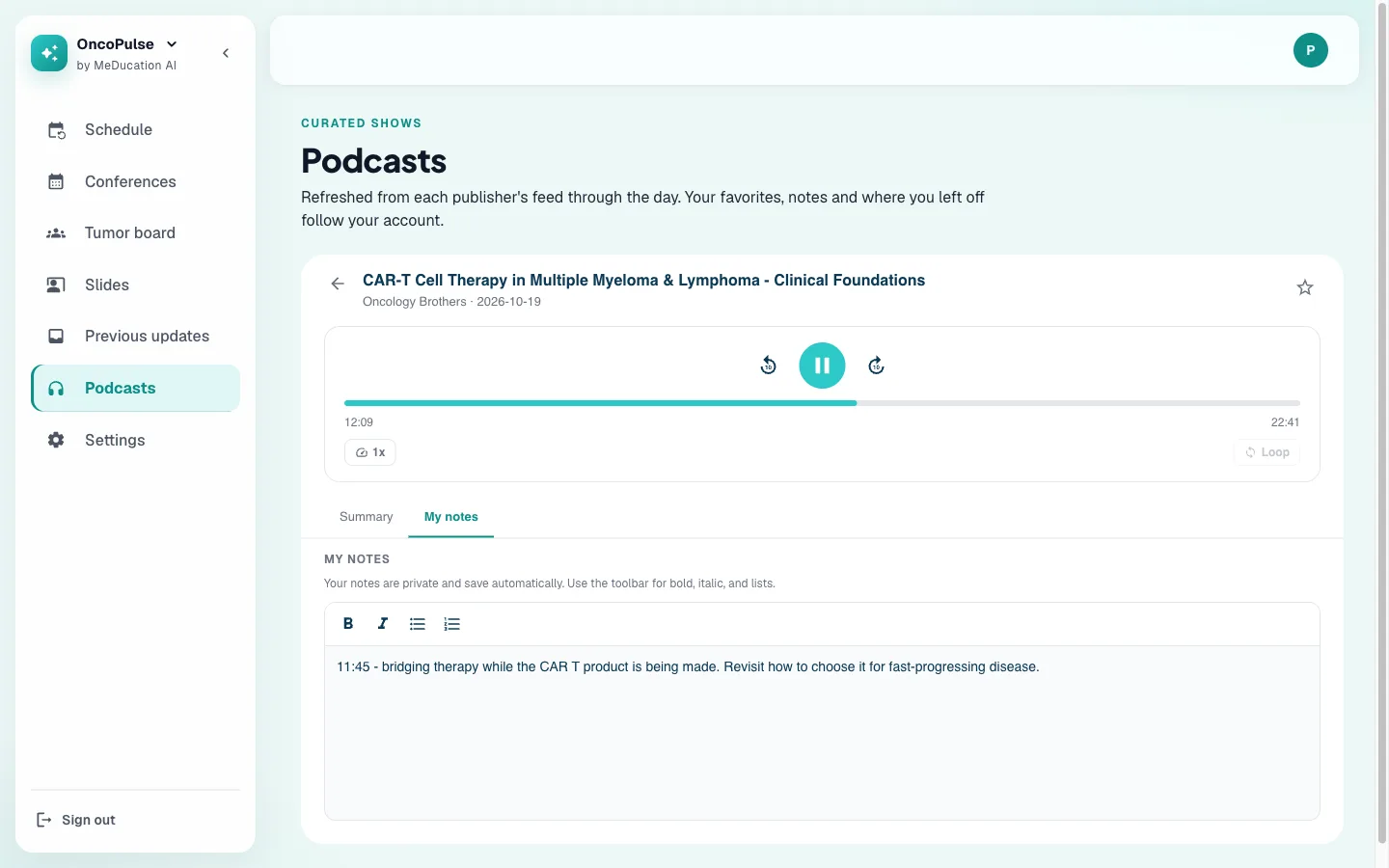
Notes beside the player
Each episode has a notes tab next to the player. Your notes are private and save automatically, with bold, italic and lists, so you can write while the episode is still playing instead of pausing to find another app.
How it works
What is in the library
The same library is in the Podcasts page of the Question Bank and in the Podcasts tab of OncoPulse.
Built-in player
Skip back and forward, change the speed, and loop a section you want to hear again. The player keeps your place as you listen.
Opens on the publisher's platform
When a publisher offers no embedded audio, the episode opens where they host it instead. Every episode links back to its show.
Favorites
Star an episode to keep it, and filter the library to your favorites.
Search and categories
Search by episode title or show name, or narrow the library by cancer type and topic.
Listening history
Everything you have played, newest first, with where you stopped in each one.
In two products
Use it from the Question Bank's Podcasts page or from OncoPulse's Podcasts tab. OncoPulse is free to join.