
For Fellows
Make a flashcard from anything you're reading
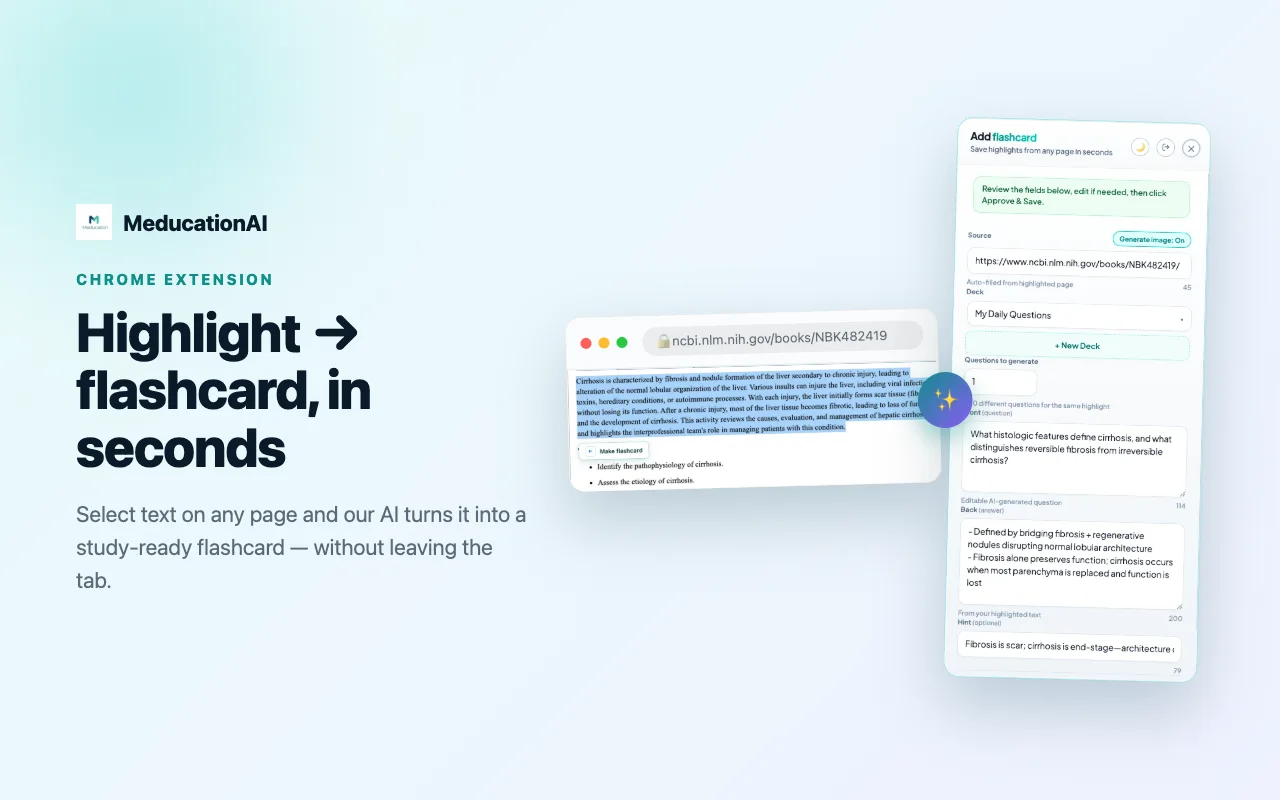
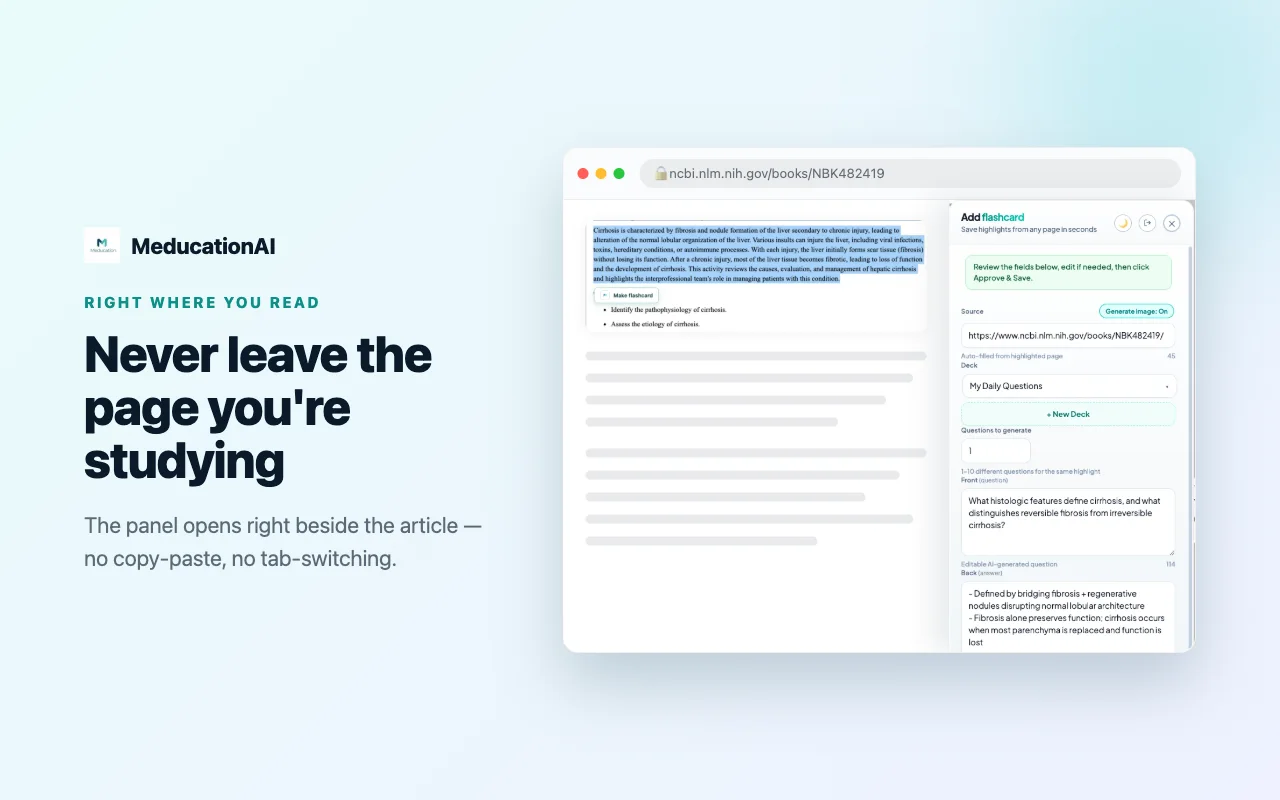
Highlight a passage on PubMed, a journal or a guideline. The AI writes the question and the answer, fills in the source, and files it in your deck — without leaving the tab.
Free with any MeDucation AI account.
Three steps
How it works
From reading something worth keeping to having it in your review queue.
Highlight what matters
Select a passage on any page — a PubMed abstract, a guideline, a journal article — and click Make Flashcard. The panel opens beside what you are reading; the tab never changes.
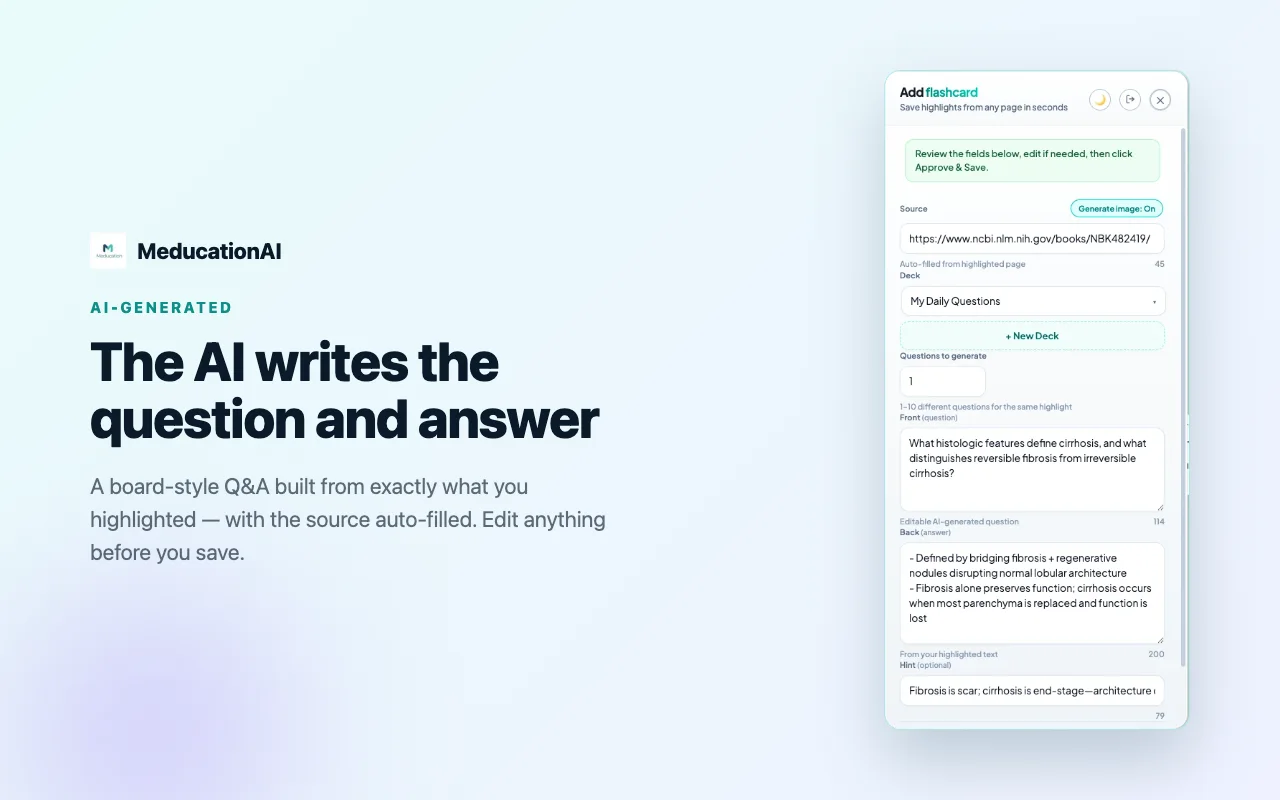
The AI writes the question
It turns the passage into a board-style question and answer, fills in the source URL, and picks the deck. Every field is editable before you save, so you keep the wording you want.
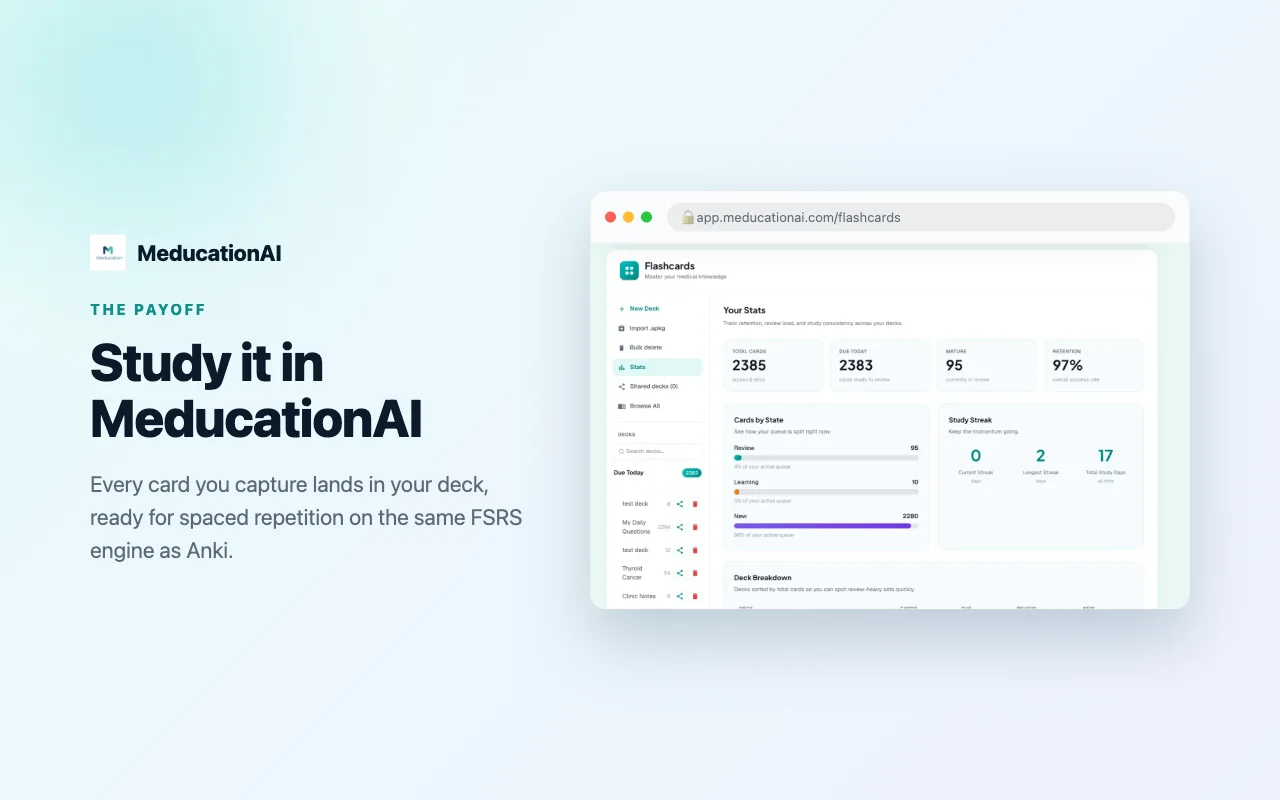
It is waiting in your deck
The card lands in MeDucation AI on an FSRS review schedule — the same spaced-repetition engine Anki uses — alongside everything else you are studying.
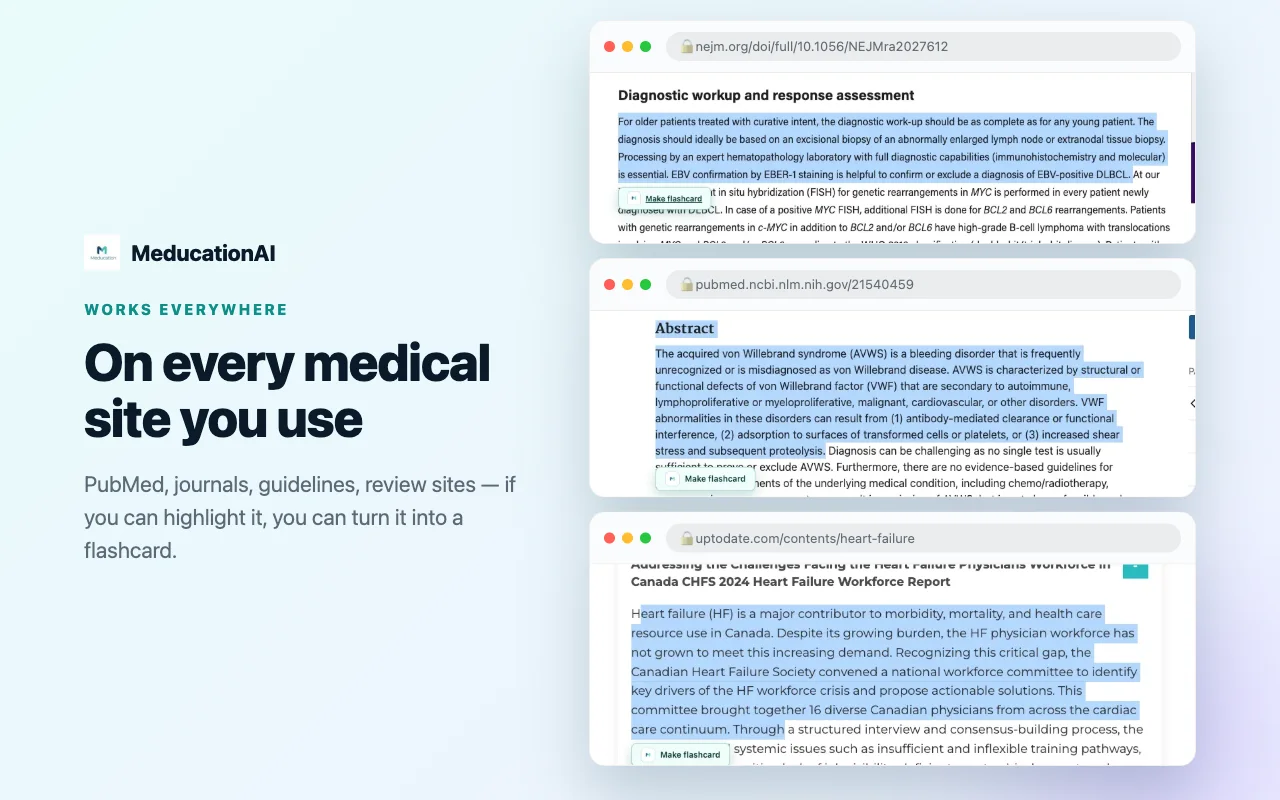
Wherever you read
Where it works
No integration to set up. It runs on the page you are already on.
PubMed & PMC
Abstracts and full text, with the citation carried across.
NEJM, JCO, Blood
Journal articles behind your institutional login.
UpToDate
Point-of-care summaries, while you are looking something up.
NCCN & ASCO guidelines
The recommendation and the footnote under it.
Review sites and blogs
Anything you read to keep current.
Anything else
If the text can be highlighted, it can become a card.
Add it and highlight something
It takes about thirty seconds to install, and the first card you make will tell you whether it is for you.
Add to Chrome — it's free